
Title
Name each topic clearly

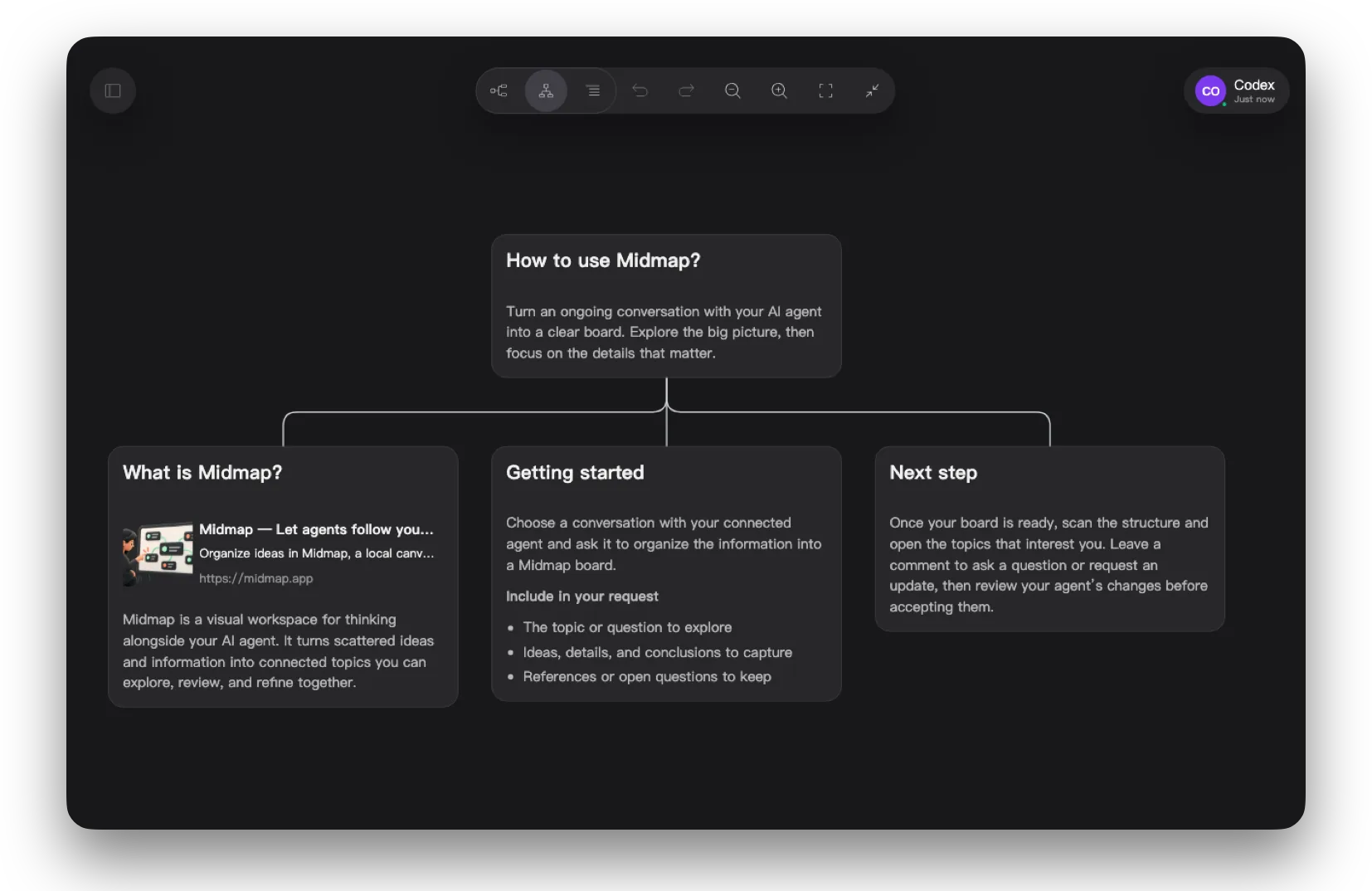
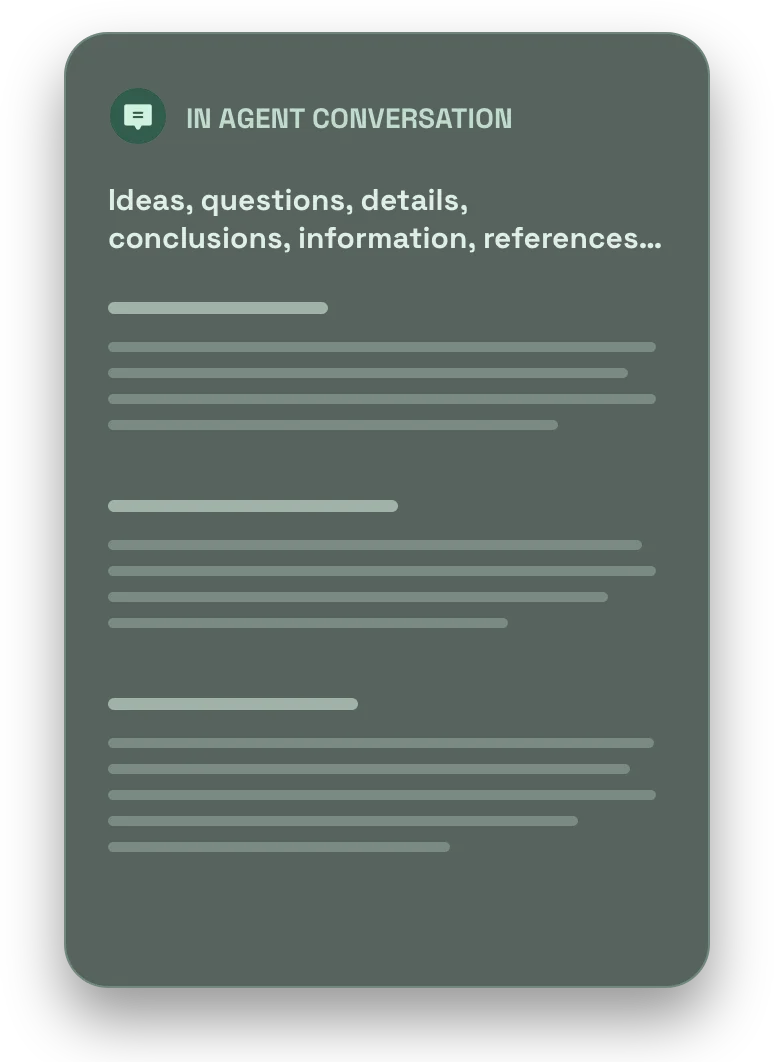
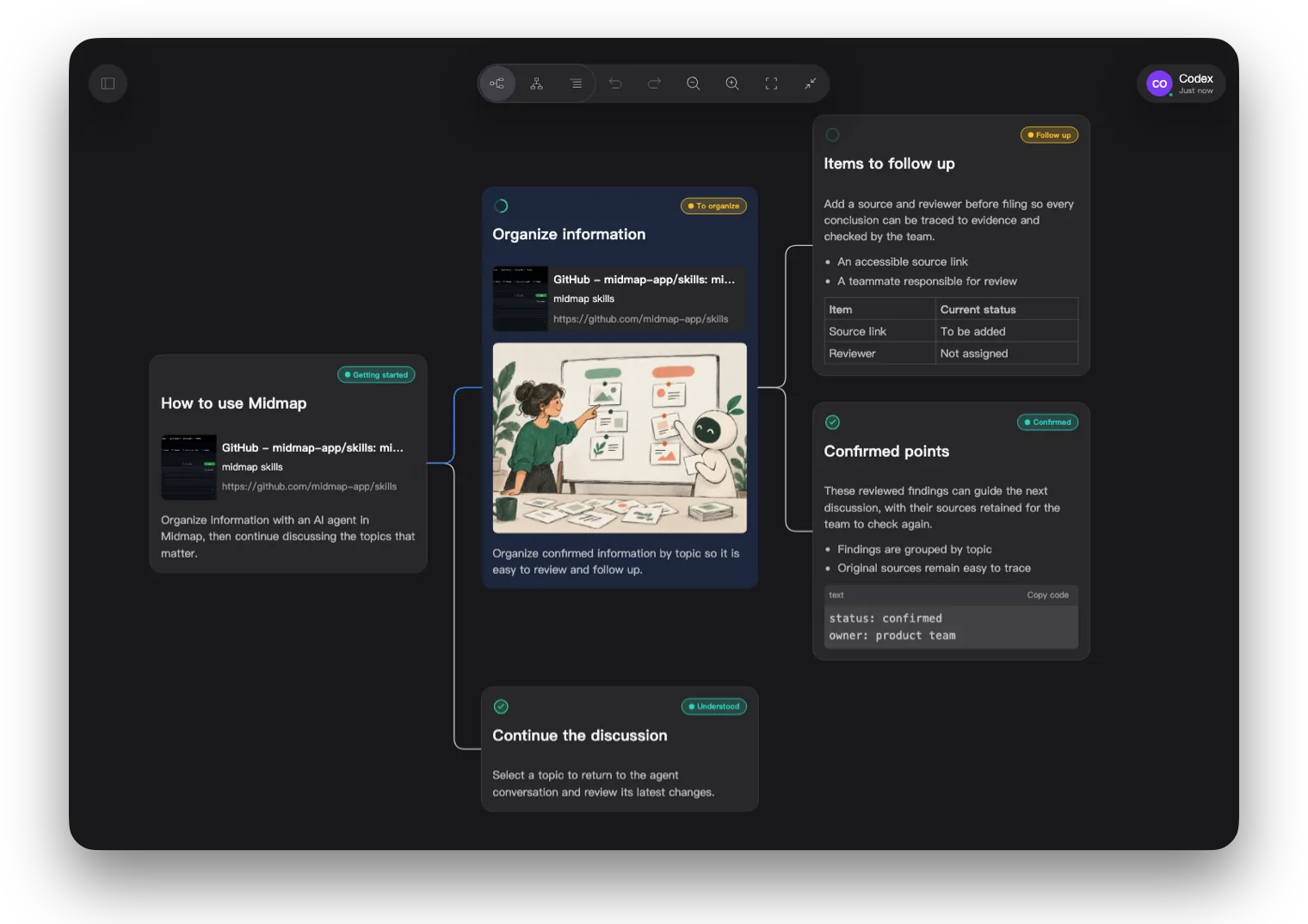
Let your agent organize information, then explore what matters to you
Leave feedback on the board, and your agent will take it from there
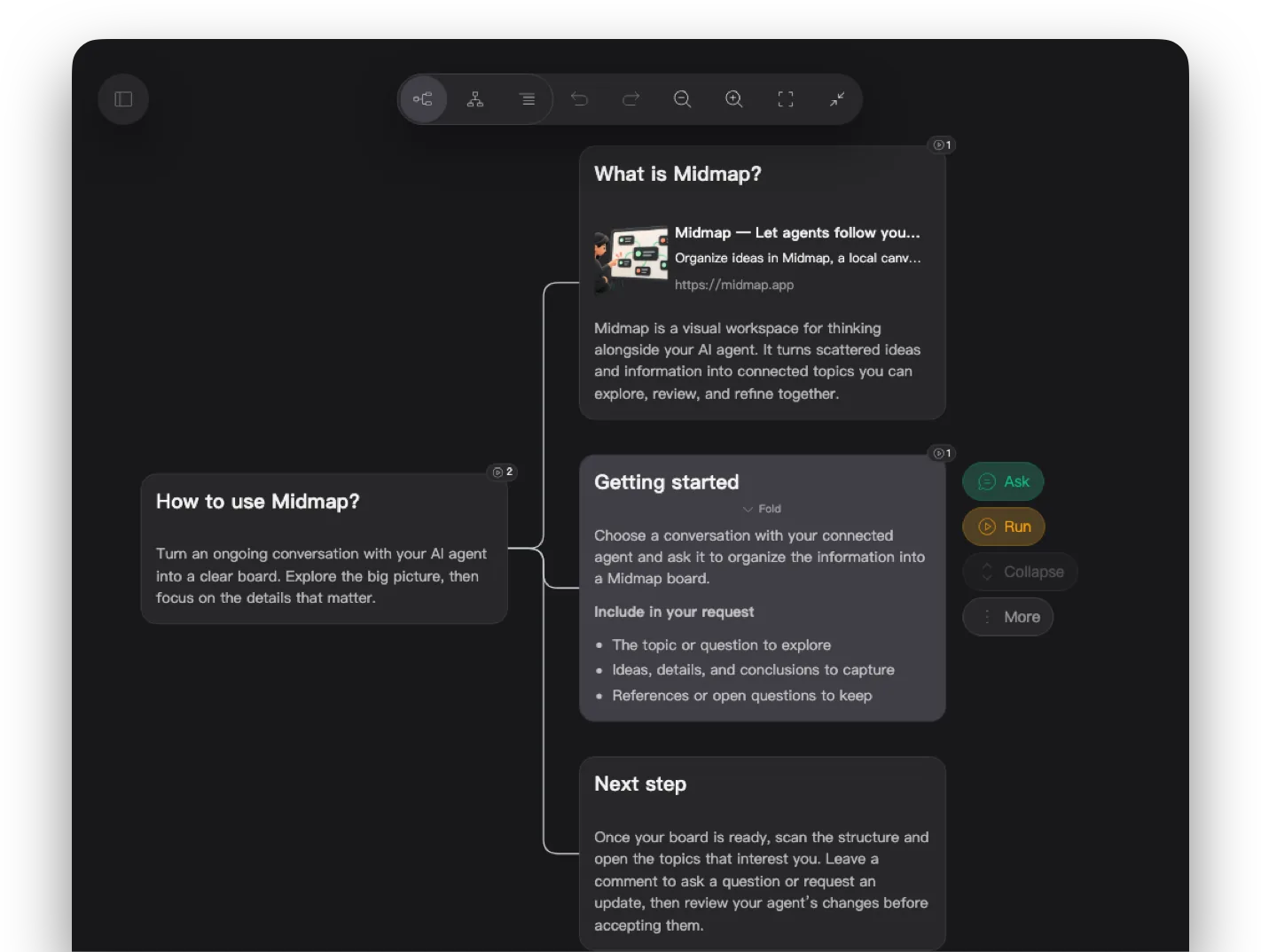
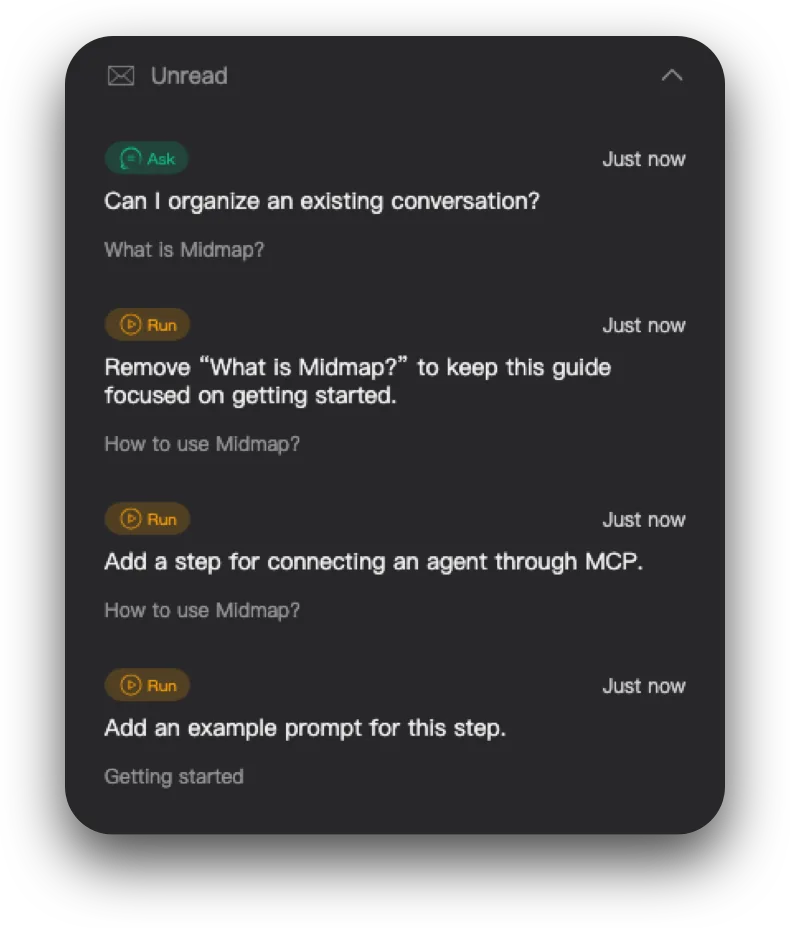
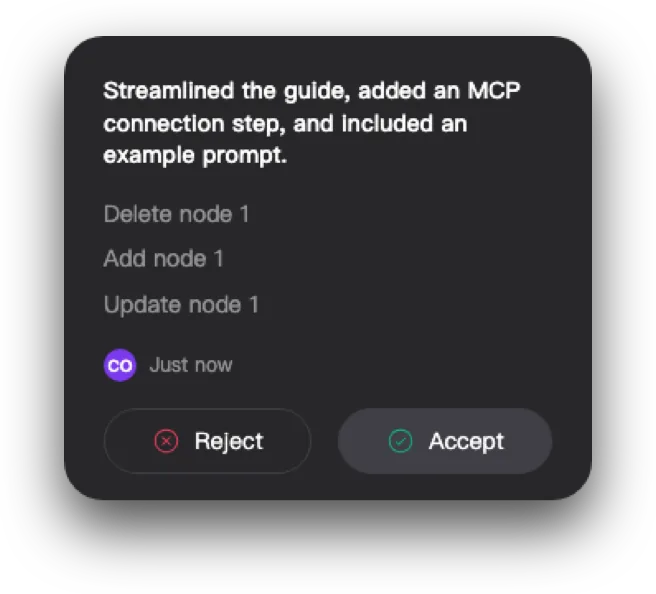
Review your agent’s edits and accept or reject each round
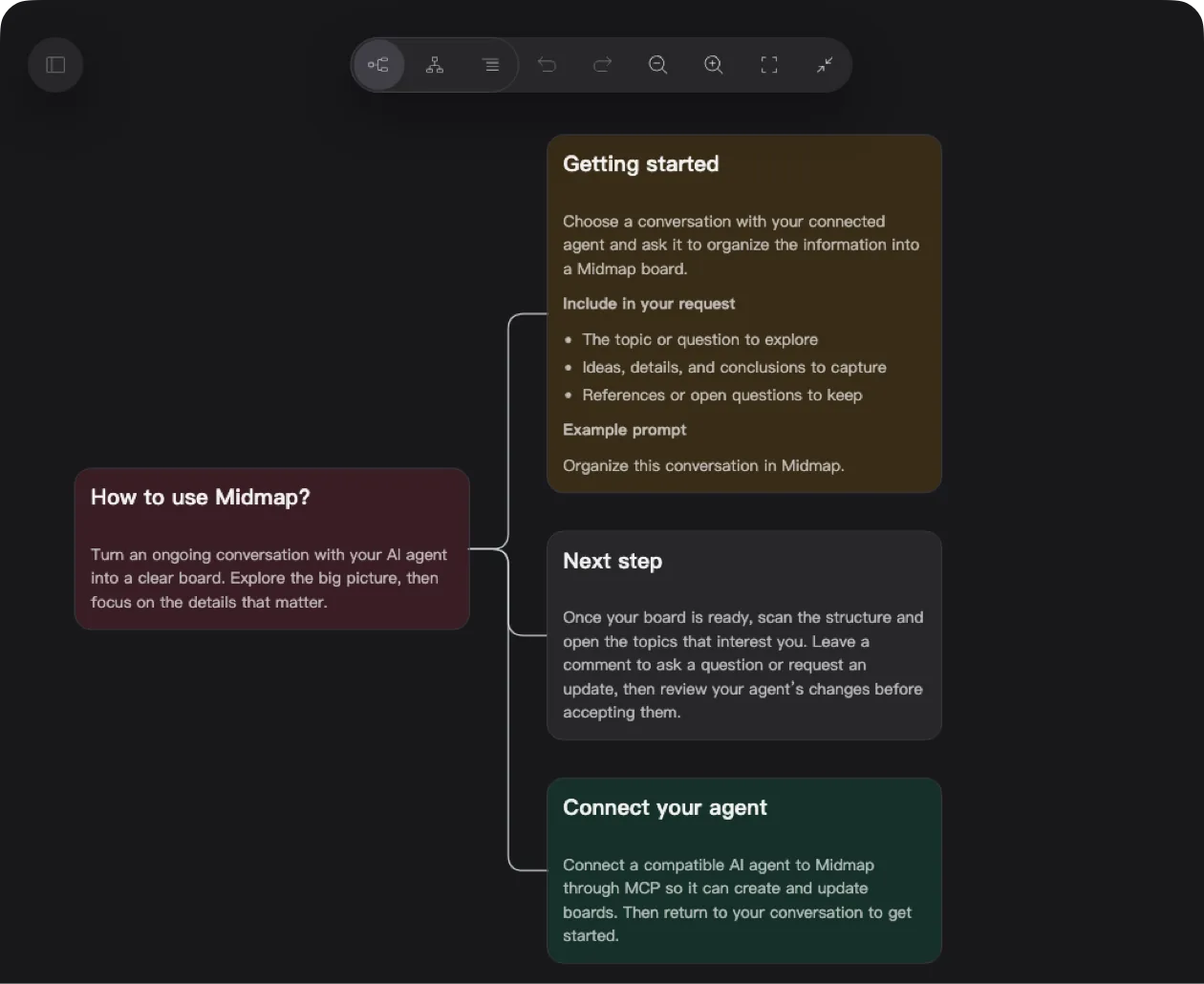
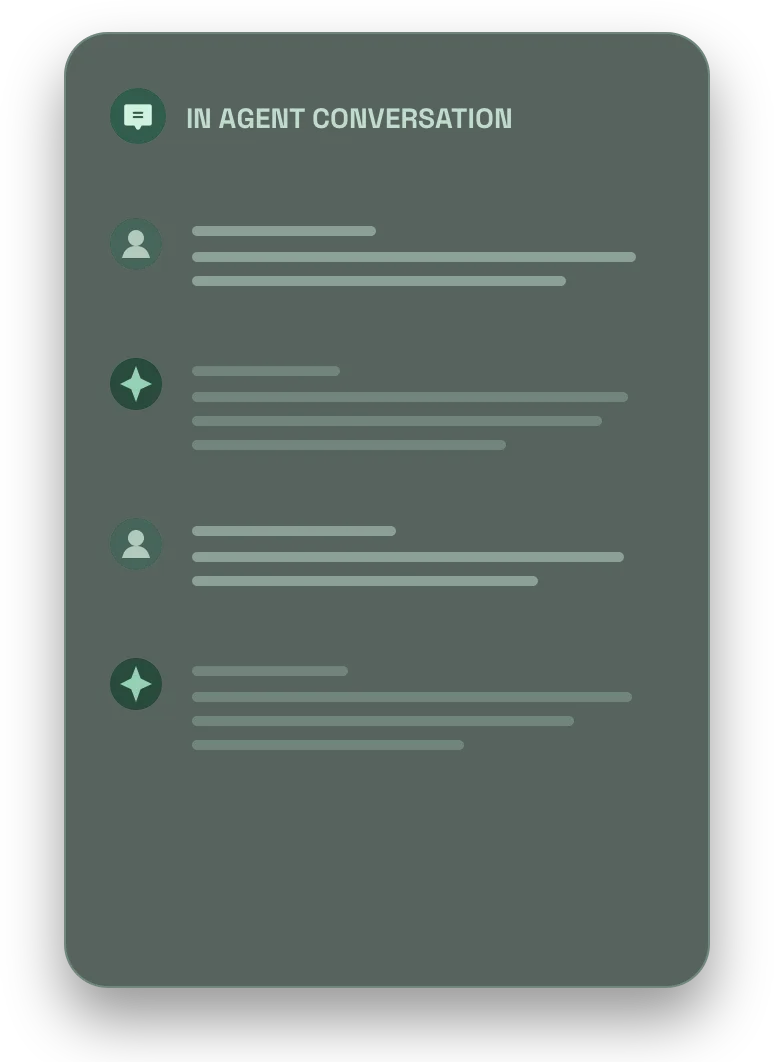
Midmap gives you and your agent a shared board to work from, beyond the conversation itself.
Together, you create a continuous cycle:
True to its name, Midmap is the map in the middle of your collaboration.





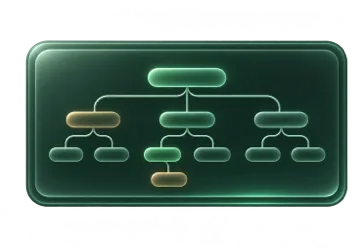 Review the boardLeave feedbackAgent takes actionBoard as shared context
 Research complex problems
 Design and refine plans
 Clarify and track tasks
 Brainstorm and discuss ideas
 Untangle what’s on your mind
A clear structure, with room for the details you need
Name each topic clearly
Add context with Markdown
Track what’s pending or done
Highlight themes and priorities
Keep useful sources close
Add visual context to your ideas
Choose the right way to work with your agent:
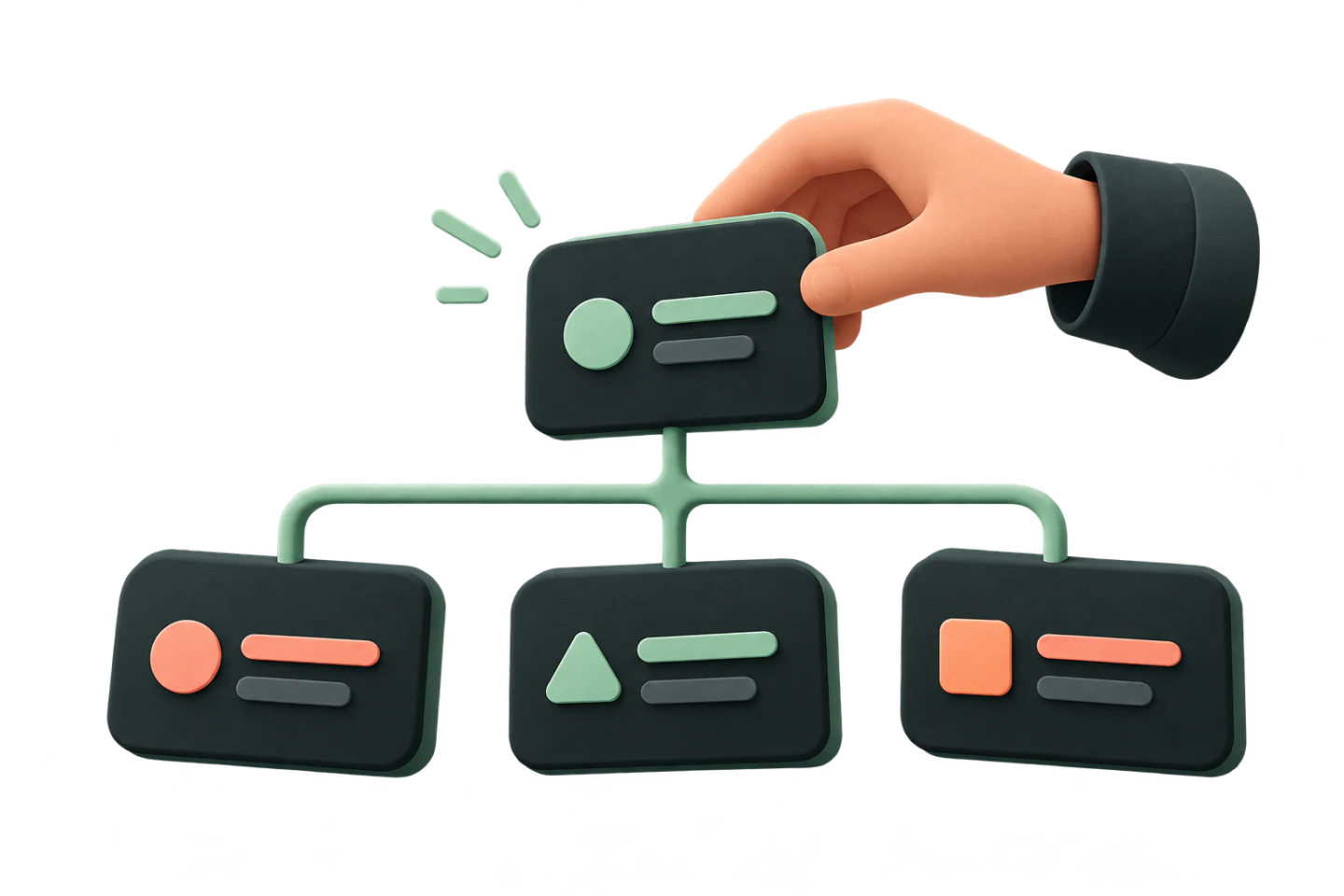
Add settled, stage-specific information to board nodes as a reference for continued collaboration.

Ask the agent to clarify or discuss something without assigning a task or asking it to change the existing board.
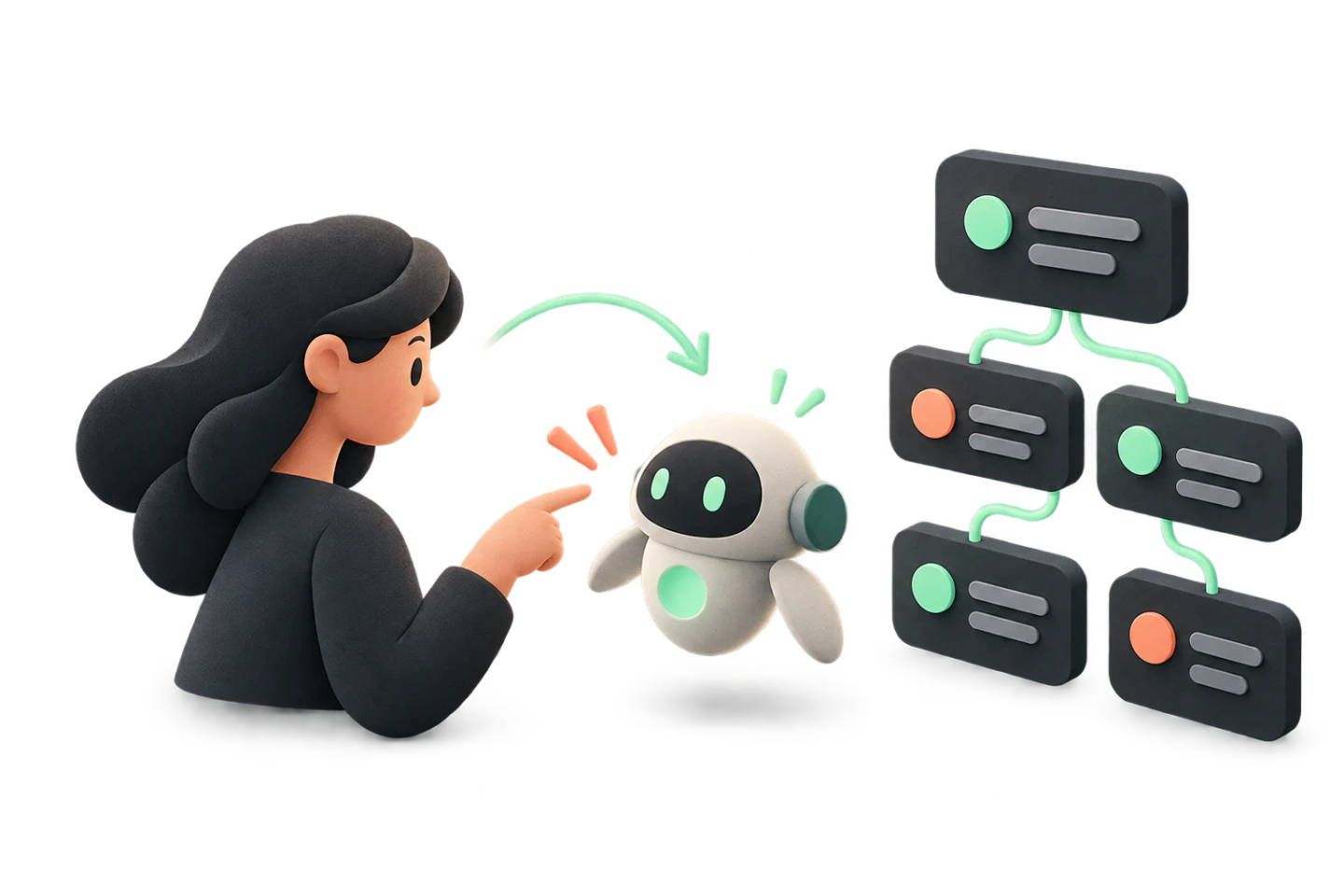
Ask the agent to complete a specific task, such as updating the board or carrying out another executable command.
Midmap has no built-in agent or AI model. Connect your installed and configured compatible apps via MCP, with no additional AI expense.
 Claude Code
 Codex
 GitHub Copilot
 OpenCode
 Pi
 Qoder
 WorkBuddy
 TraeMore
Focus on your ideas without manually arranging the canvas.
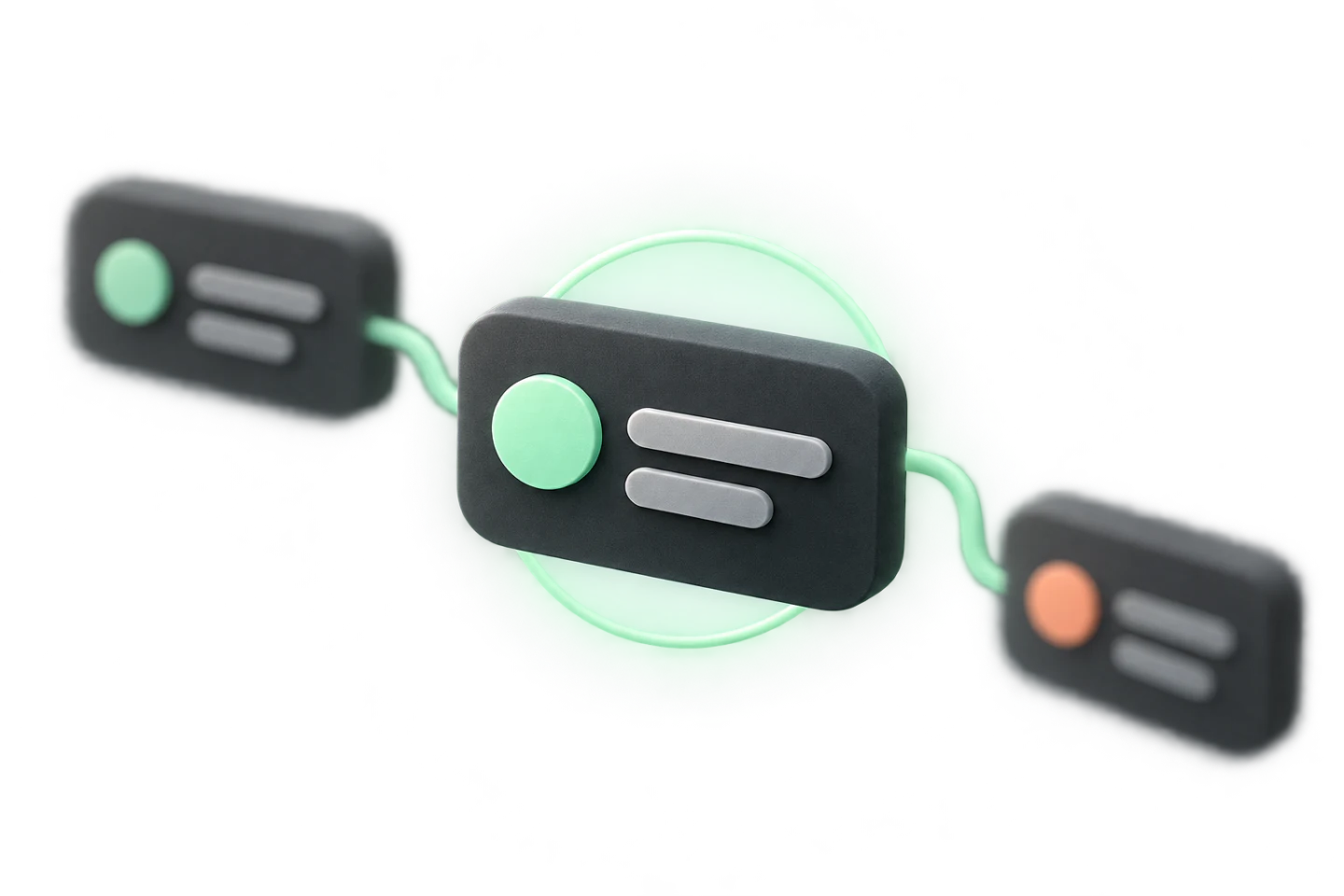
Midmap is a local client. Your board data is stored on your device.
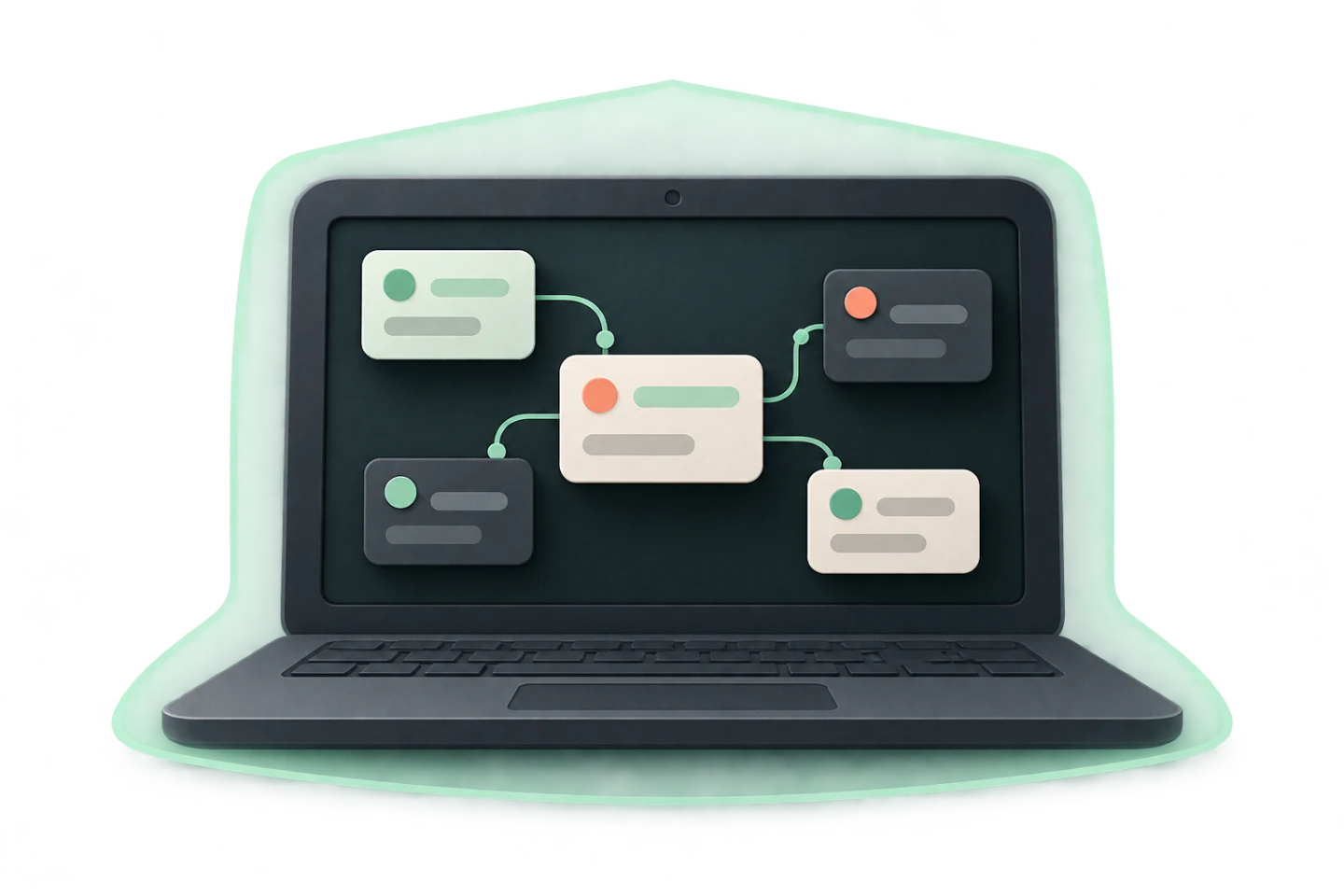
Purchase and download Midmap from the app stores